
Accessibility audit
Identify accessibility errors with an audit carried out by a specialized team.
We analyze the barriers that an automated tool cannot detect and that can affect use, regulatory compliance and the user experience, with a manual audit and an accredited methodology.
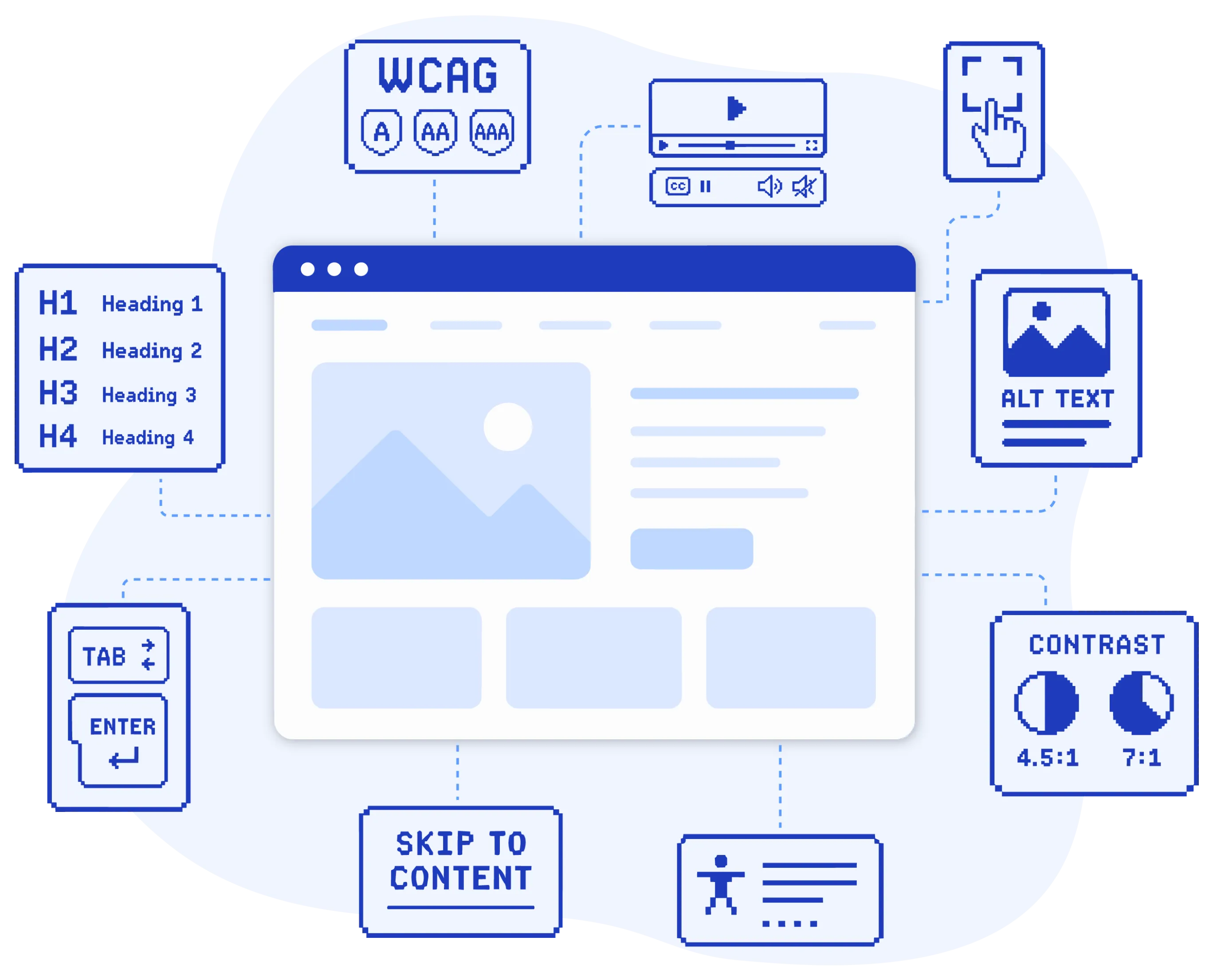
When an audit makes sense
An audit makes sense when you want to know which barriers are going unnoticed and are preventing people from using your website or app properly, and where you need to start making corrections.
It also helps if you need to comply with accessibility requirements such as the European Accessibility Act, EN 301 549 and other applicable national laws in your country, validate recent changes or improve the real user experience without waiting for a legal problem to arise.
- Your website has never undergone an accessibility review
- You have made recent changes and want to check that everything is still working correctly
- You need an external report for a tender, certification or internal justification
- You have received a complaint from a user or a notice from a public authority
The step-by-step process
An accessibility audit is not an automated review where we hand you a PDF with numbered errors. We carry out a manual review with technical judgement so you know what is failing, what impact it has and how it needs to be fixed.
The process has seven phases, and every one of them matters.
- 1. Initial meeting
-
To understand the context of each project, we first define which pages are priorities, who uses them and what the purpose of the review is.
- 2. Page selection
-
Following the WCAG methodology set out in EN 301 549, we select a representative sample of the main pages.
- 3. Automated analysis
-
We analyze the website with specialized tools to identify a first layer of the most common errors.
- 4. Manual analysis
-
A specialized technical team, made up of a sighted consultant and a blind consultant who uses a screen reader, manually reviews each page selected in the sample. This phase makes it possible to detect barriers that an automated tool cannot identify.
- 5. Report and access to InFact
-
We deliver the full report and give you access to InFact, our online platform for managing corrections, tracking errors and checking the status of each improvement.
- 6. Correction support
-
OPTIONAL If your team wants support while applying the improvements, we can provide technical assistance to guide you, answer questions, review the code or correct the pages ourselves.
- 7. Final review and certification
-
We check that the corrections have been applied correctly with a second review and issue the certification and accessibility statement.
What does the audit include?

Full report
Each barrier documented with a screenshot, affected code and a specific correction recommendation.

Official report (IRA)
Official Accessibility Observatory format, required for public administrations and tenders.

Access to InFact
Online platform to filter, prioritize and track corrections with the technical team.

Certification and statement
Issued if the portal meets the accessibility requirements once the corrections have been applied.

TOTHOMweb Accessibility seal
We have our own score, "TOTHOMweb Accessibility Score", which reflects the accessibility level of the website. If the result exceeds the minimum threshold, we issue a 1, 2 or 3-star seal depending on the score obtained.

2 months of support
Once the report has been delivered, our team remains available to answer questions about the corrections applied.
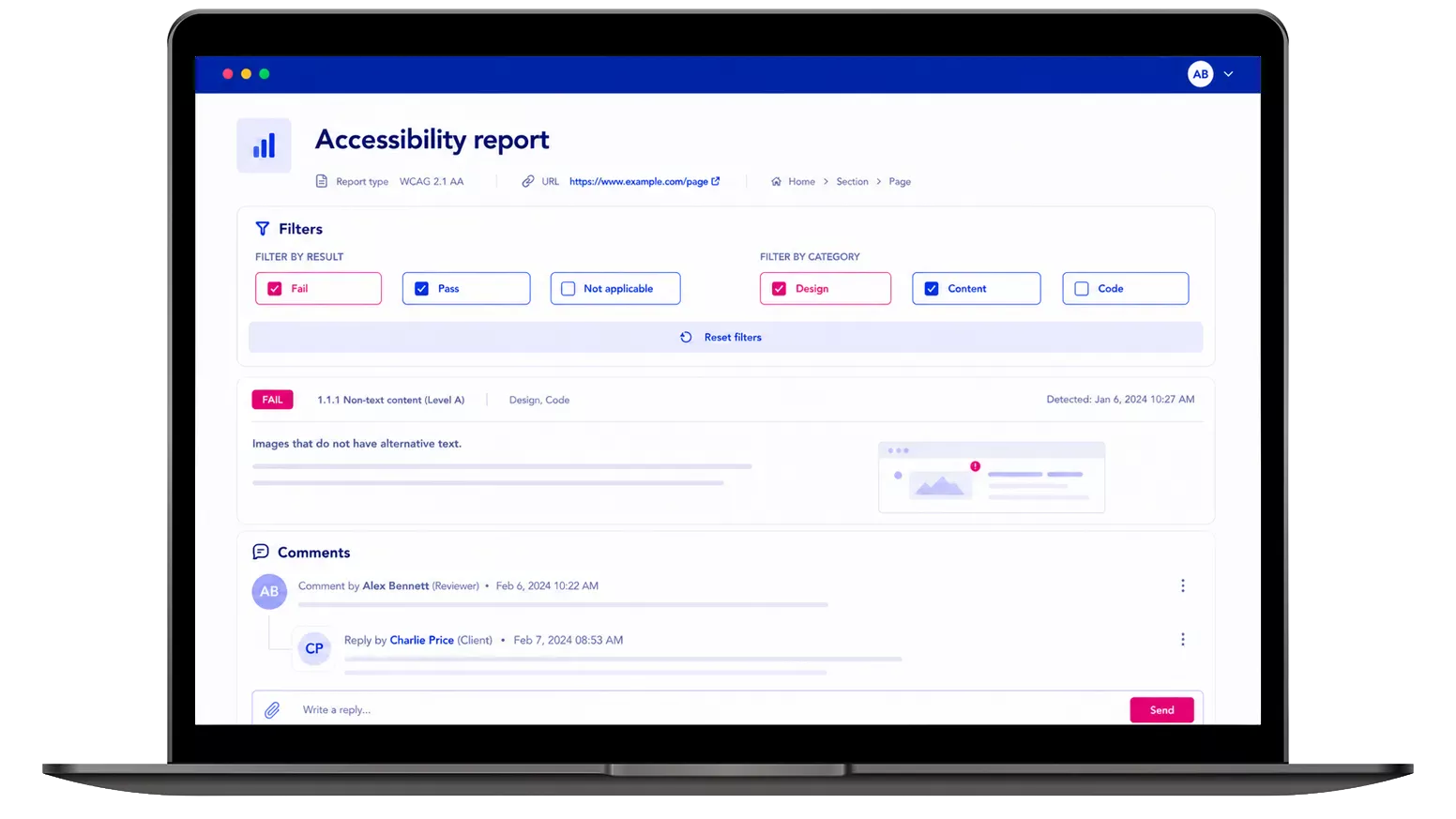
InFact: a tool designed to fix barriers, not just review them
Most audits end up as a document that is difficult to manage. With InFact, your team can review the results, filter by criteria, ask our technicians questions and track corrections, all in one place.
With InFact, you can:
- Filter barriers by responsible team: design, development or content.
- Leave comments and receive answers from our technicians.
- Sort by severity and prioritise where to act first.
- Receive email updates and track progress.
What we’re often asked
It depends on the objective. An automated tool can be a good starting point for detecting some errors, but it is not enough to know whether someone can actually use your website or app properly. Some barriers only appear in a manual review.
You need an audit when you have to comply with regulations, obtain certification or validate the real user experience.
Law 11/2023 extends the obligation beyond the public sector and affects private companies of certain sizes and sectors, especially those offering services considered essential. If you are not sure whether it applies to you, that is one of the first things we clarify in the initial meeting.
It depends on the number of pages, the technical complexity and the scope of the review. We do not work with a fixed price, but a well-executed audit is usually much more affordable than correcting errors once they have already led to a formal complaint, a requirement or a sanction.
The methodology and who carries out the review. We are an ENAC-accredited entity and combine technical analysis, manual review and testing with screen reader users. The result is not just a list of errors: it is an actionable report so your team knows what needs to be corrected, why and with what priority.
An audit is a snapshot of a specific moment. If the website changes, new barriers may appear. That is why, once the errors have been corrected, it is advisable to maintain the level achieved through periodic reviews, monitoring or consultancy integrated with the development team.
Let’s talk about the project
Tell us where you are in the process and we’ll let you know which pages should be analysed and how it would fit with your deadlines.